

 (2,374 votes, average: 4.80 out of 5)
 Loading...
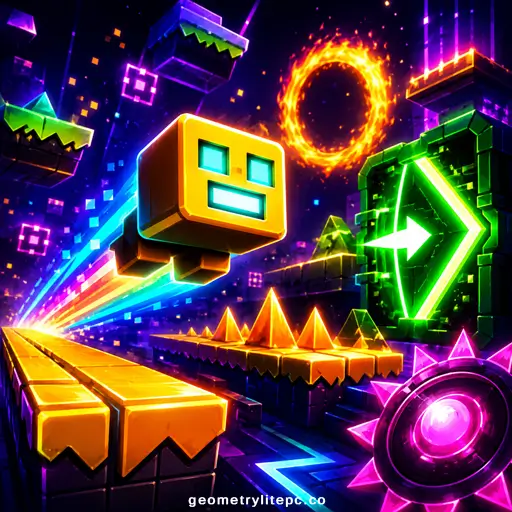





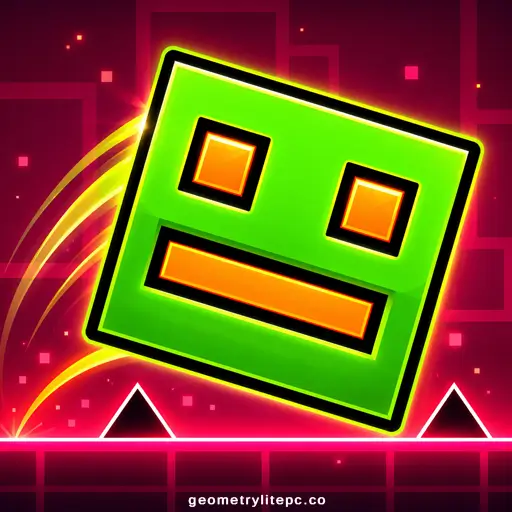

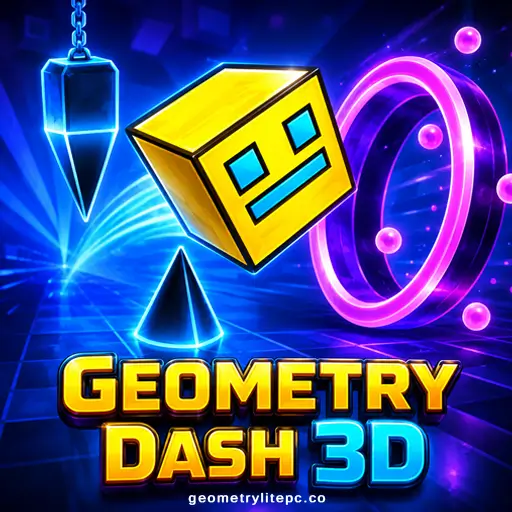

If you love rhythm-based challenges, Geometry Dash Lite 3D offers a thrilling way to test your skills. This engaging free game brings the classic cube-jumping experience to your browser, allowing you to play online with no download required. Packed with relentless obstacles and catchy beats, it’s perfect for quick gaming sessions or longer play. Jump in today and see how far you can go without hitting those spikes!
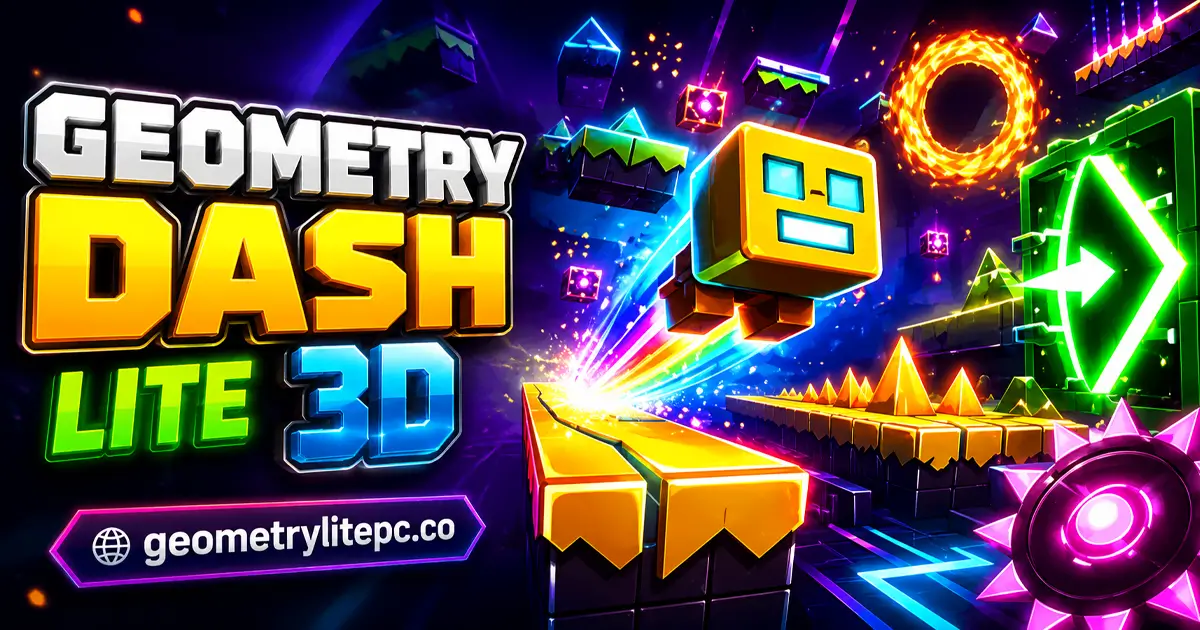
Geometry Dash Lite 3D Quick Facts
| Developer | RobTop Games |
| Publishing Date | 2013 |
| Main Genre | Platformer |
| Sub-Genre | Arcade |
| Platform | Web Browser (HTML5) |
| Input Method | Keyboard, Mouse, Touch Screen |
| Multiplayer Mode | Single-player |
| Content Rating | Everyone / ESRB E |
| Tech Stack | HTML5, JavaScript, Canvas |
| Primary Language | English |
| Installation Required | No (Instant Play) |
What to Know Before Playing Geometry Dash Lite 3D
The first thing you’ll notice is the exciting electronic music that sets the rhythm for your gameplay. In this game, you control a geometric character that automatically runs forward, and your main job is to jump over obstacles like spikes and walls by tapping at just the right moments.
This rhythm-based action platformer challenges you to guide your character safely to the finish line while avoiding dangers. Quick reflexes and timing are essential, so if you enjoy games that require precision and practice, this might be a great fit for you.
Geometry Dash Lite 3D Gameplay & Mechanics
In this game, you control a 3D geometric character that automatically runs through levels filled with sharp spikes and block walls. The key is to tap at just the right moment to jump over obstacles and avoid crashing. As you progress, the tension builds; each jump requires precise timing, especially as the pace picks up with the music’s rhythm. A combination of quick reflexes and memorization helps you master the levels, making every successful run feel rewarding.
Where to Play Geometry Dash Lite 3D
You can play this game directly in your web browser on desktop, laptop, tablet, or mobile.
Geometry Dash Lite 3D Tutorial for New Players
Welcome to the exciting world of Geometry Dash Lite 3D! Your mission is simple: guide your geometric character through tricky levels filled with obstacles. You’ll need to jump over sharp spikes and avoid block walls as you make your way to the finish line.
Here’s a quick rundown of what you’ll do:
- Start with the first level, Stereo Madness. It’s a great place to practice your jumps!
- Pay attention to the rhythm of the music. Timing is everything, so jump in sync with the beat.
- If you hit an obstacle, don’t worry! Just try again. Each attempt helps you learn.
- Once you feel confident, move on to Back On Track and then Polargeist. Each level gets a bit tougher!
Remember, practice makes perfect! Have fun jumping and flying through the challenges!
Geometry Dash Lite 3D Keyboard & Mouse Guide
This game is typically controlled through simple taps and key presses.
- Spacebar or Up Arrow: Jump (tap for a single jump, hold for flight)
- Mouse Click: Jump (alternative to keyboard)
- P: Pause the level
- Enter: Restart the level from the beginning
For mobile users, tapping anywhere on the screen performs the jump action, and holding while in specific modes activates flight or gravity-flip mechanics. This general approach aligns with many browser-based platformers.
Geometry Dash Lite 3D Tips That Actually Help
Getting through the levels of this game can be tricky, but here are some solid strategies to keep in mind:
- Focus on the rhythm of the music. Timing your jumps with the beats will help you navigate obstacles more smoothly.
- Use Practice Mode to familiarize yourself with difficult sections. Drop checkpoints at tricky spots so you can restart from there instead of the beginning.
- Memorize patterns and sequences in each level. This will make it easier to anticipate jumps and avoid crashing into obstacles.
- Try not to panic when you see an obstacle approaching. Stay calm, and remember that you can always restart if you crash.
- Experiment with different controls. If tapping is not working well for you, try using the keyboard or mouse for jumps.
- Challenge yourself by collecting hidden coins in the levels. They add an extra layer of fun and help improve your timing skills.
What Makes Geometry Dash Lite 3D Special?
This game stands out for several reasons that enhance your playing experience.
- Simple Controls: You only need to tap or hold to jump and fly. This makes it easy for anyone to pick up and start playing right away.
- Rhythm-Based Gameplay: The obstacles are synced with the music, providing a fun challenge that requires timing your jumps to the beat.
- Multiple Game Modes: Different modes like cube, ship, and ball introduce unique mechanics, keeping gameplay fresh and exciting as you progress through levels.
- Practice Mode: You can drop checkpoints during practice runs. This helps you learn tricky sections without starting over from the beginning every time you crash.
- Three Official Levels: It includes three levels that teach you the game’s mechanics while gradually increasing in difficulty, making it perfect for new players to build their skills.
- No Downloads Required: Being browser-based means you can play anywhere without needing to install anything, making it accessible on various devices.
Testing Geometry Dash Lite 3D: What We Found
Geometry Dash Lite 3D captures the essence of rhythm-based platforming with its engaging mechanics and straightforward controls. Players guide a geometric character through challenging levels, relying on timing and reflexes to navigate sharp spikes and block walls.
- The game features three official levels that progressively increase in difficulty, offering a clear learning curve for newcomers.
- Each level is set to an energetic electronic soundtrack that syncs perfectly with the gameplay, enhancing the overall experience.
- Practice Mode is a valuable tool, allowing players to drop checkpoints mid-level, which helps in mastering tricky sections without starting over from scratch.
- While the browser-based format is convenient, it can occasionally feel limited compared to the full version, which offers more levels and community-created content.
The Appeal of Geometry Dash Lite 3D
If you’re looking for a game that combines rhythm and precision, this one might be right up your alley. It’s perfect for players who enjoy quick reflex challenges and want a satisfying sense of accomplishment with each completed level. The fast-paced nature makes it a great pick for short gaming sessions when you need a quick break or a mental boost.
However, don’t expect an easy ride; the difficulty ramps up quickly, so patience is key. If you find joy in mastering patterns and timing your jumps to an energetic soundtrack, you’ll likely have a blast here. Just keep in mind that frustration can creep in as you try to nail those tricky sections!
Games to Try After Geometry Dash Lite 3D
If you want another fast browser challenge, try these related games from our collection.
- Geometry Dash
- Geometry Dash Deadlocked
- Geometry Rush
- Geometry Dash Monster
- Geometry Dash Classic
- Retro Dash
- Geometry Platformer
- Geometry Open World
- Geometry Jump Bit by Bit
- Geometry Dash Hardcore
- Geometry Dash Lite
- Geometry Dash Unblocked
- Geometry Dash Scratch
- Geometry Dash SubZero
- Geometry Dash Spam
- Geometry Arrow
- Geometry Dash World
- Geometry Dash Meltdown
- Geometry Dash Wave
- Geometry Vibes
- Geometry Dash Breeze
- Geometry Dash Online
- Geometry Dash Bloodbath
- Geometry Dash 3D
- Geometry Dash 2.2
- Geometry Dash Full Version
- Geometry Dash Tidal Wave
- Geometry Dash PC
- Geometry Dash IO
- Geometry Jump
- 3Dash
- Geometry Dash Spider
- Geometry Dash Ship
For more picks in this style, browse our Geometry Games.
FAQs about Geometry Dash Lite 3D
Is it free to play?
Yes, it is completely free to play. You don’t need to download anything or create an account.
What type of game is it?
This is a rhythm-based action platformer where you control a geometric character and avoid obstacles. Players tap to jump and fly through levels timed with music beats.
Does it have practice mode?
Yes, there is a practice mode available. It allows you to place checkpoints mid-level, so you can restart from there instead of starting over each time you crash.
Can I play on my mobile device?
Yes, it works on mobile devices through any modern browser. Just open it in Chrome or Safari without needing an app.
What levels are included in the game?
The game features three levels: Stereo Madness, Back On Track, and Polargeist. Each level has its own unique challenges and music tracks.
Why do I keep failing at the end of levels?
This happens because the final sections are designed to be the hardest. The obstacles increase in difficulty as the music builds up, making timing critical.
How do I jump in the game?
You can jump by tapping the screen or pressing keys like Space or Up Arrow on your keyboard. Timing your jumps perfectly is key to success!
Are there hidden coins in the game?
No, while there are hidden secret coins in the official levels, they don’t unlock anything special in this version. They just add an extra challenge for players.
Can I use a keyboard to play?
Yes, using a keyboard is possible and many players prefer it. You can use keys like Spacebar or Up Arrow for jumping during gameplay.
Final Thoughts on Geometry Dash Lite 3D
If you’re looking for a fun challenge that sharpens your reflexes, Geometry Dash Lite 3D is a solid pick. This version offers the same thrilling gameplay with vibrant graphics, perfect for players who enjoy rhythm-based adventures. The combination of timing and precision makes each jump an exciting moment.